 Wipkin
Scrum / Sprint planning
A goal. A plan. A shared direction.
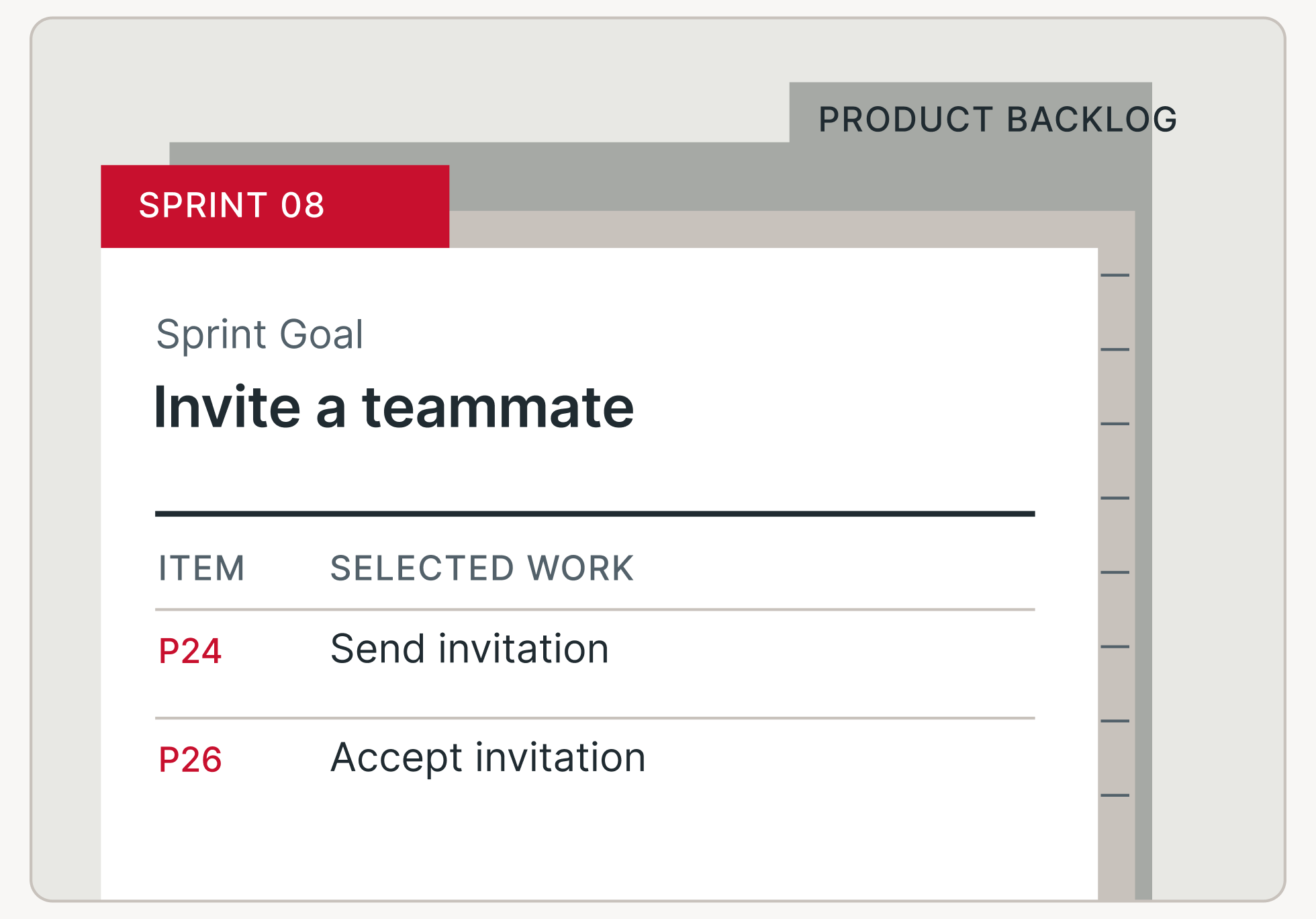
Purpose-built workspaces grounded in the Scrum Guide and Kanban University’s guide. Plan Sprints, manage flow and put the principles into practice.
Scrum / Sprint planning
Kanban / Workflow
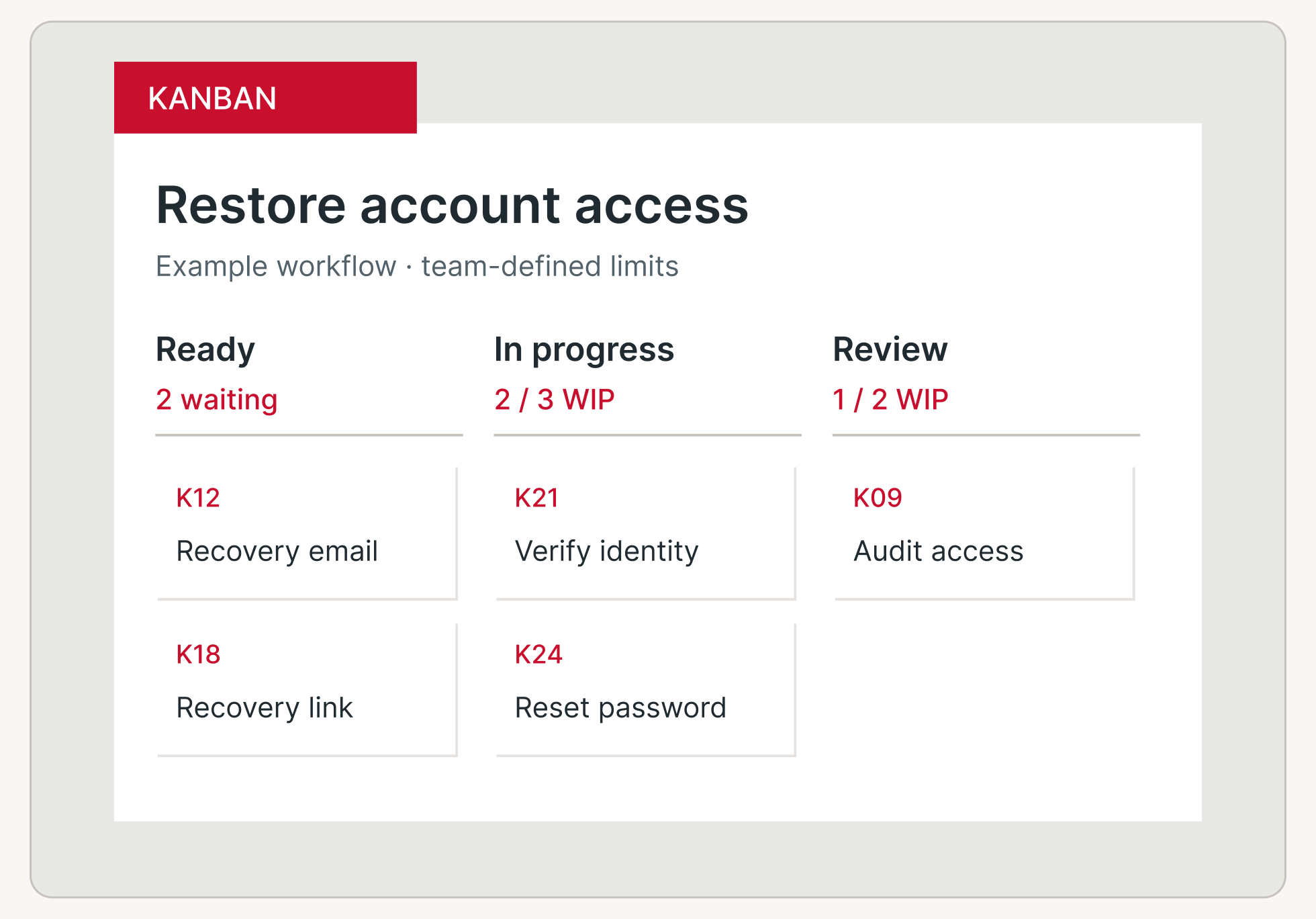
Keep the context your team needs close to the decisions it makes every day.
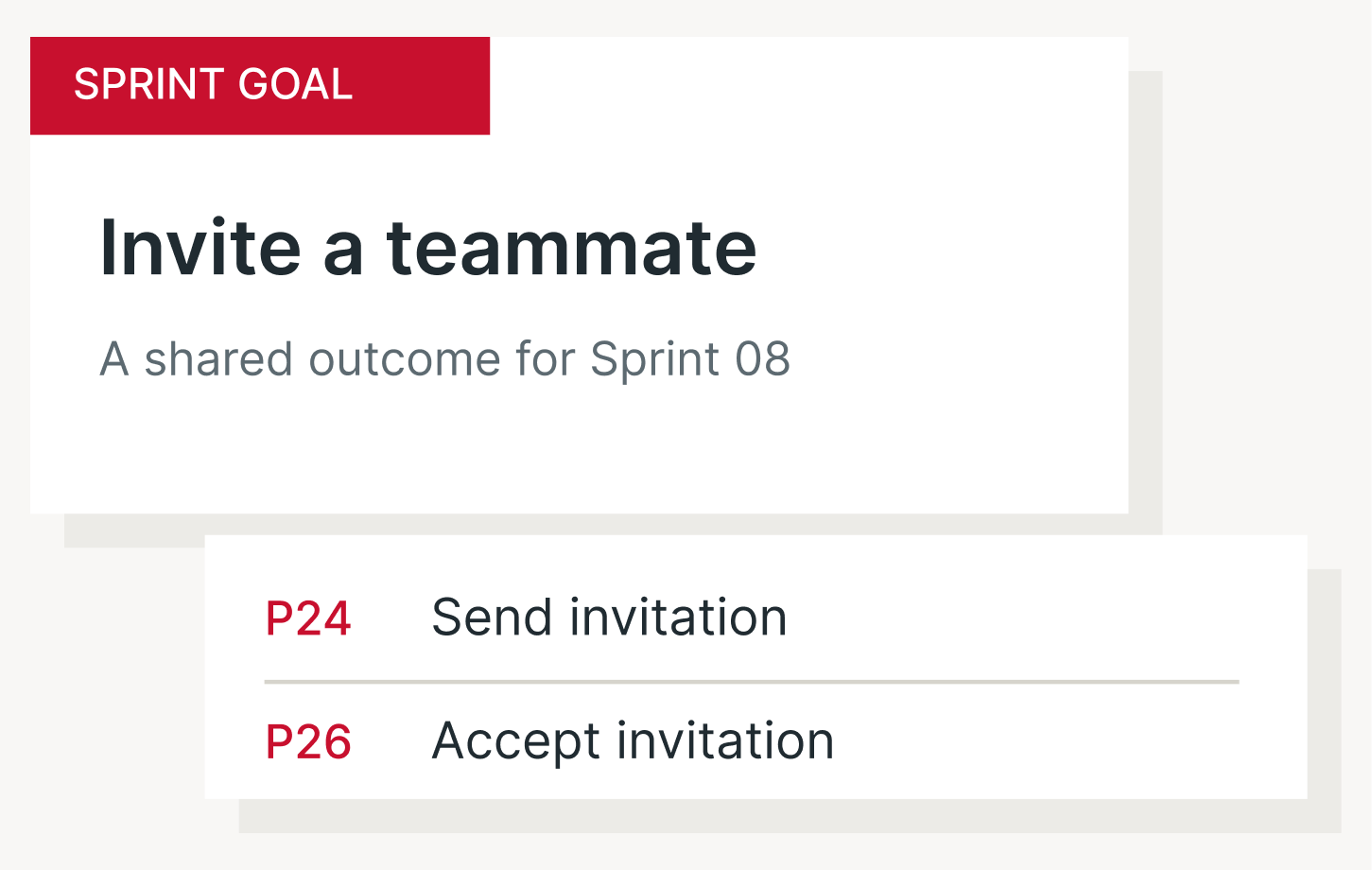
See the shared goal behind selected work.
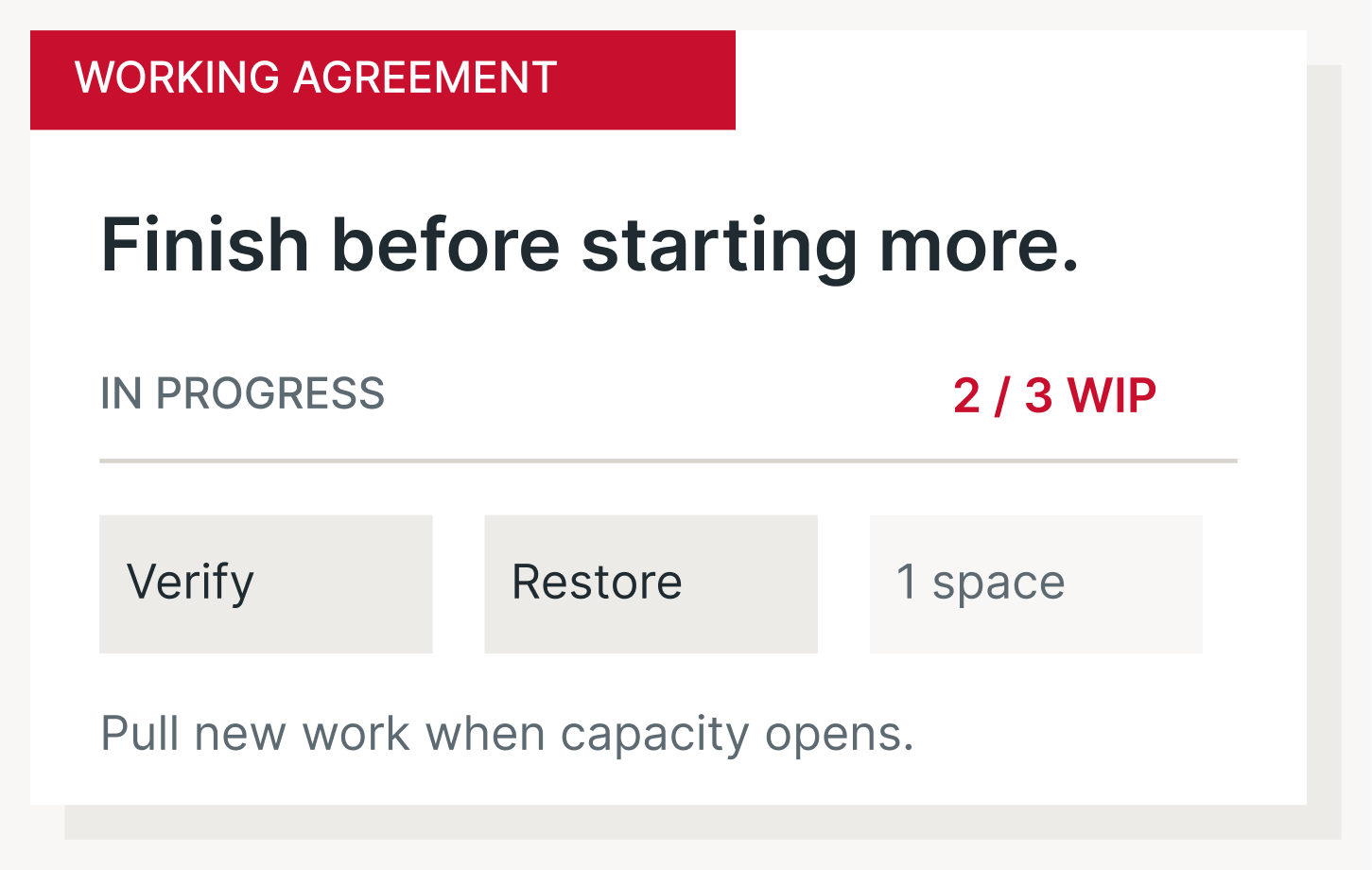
See available capacity before starting another item.
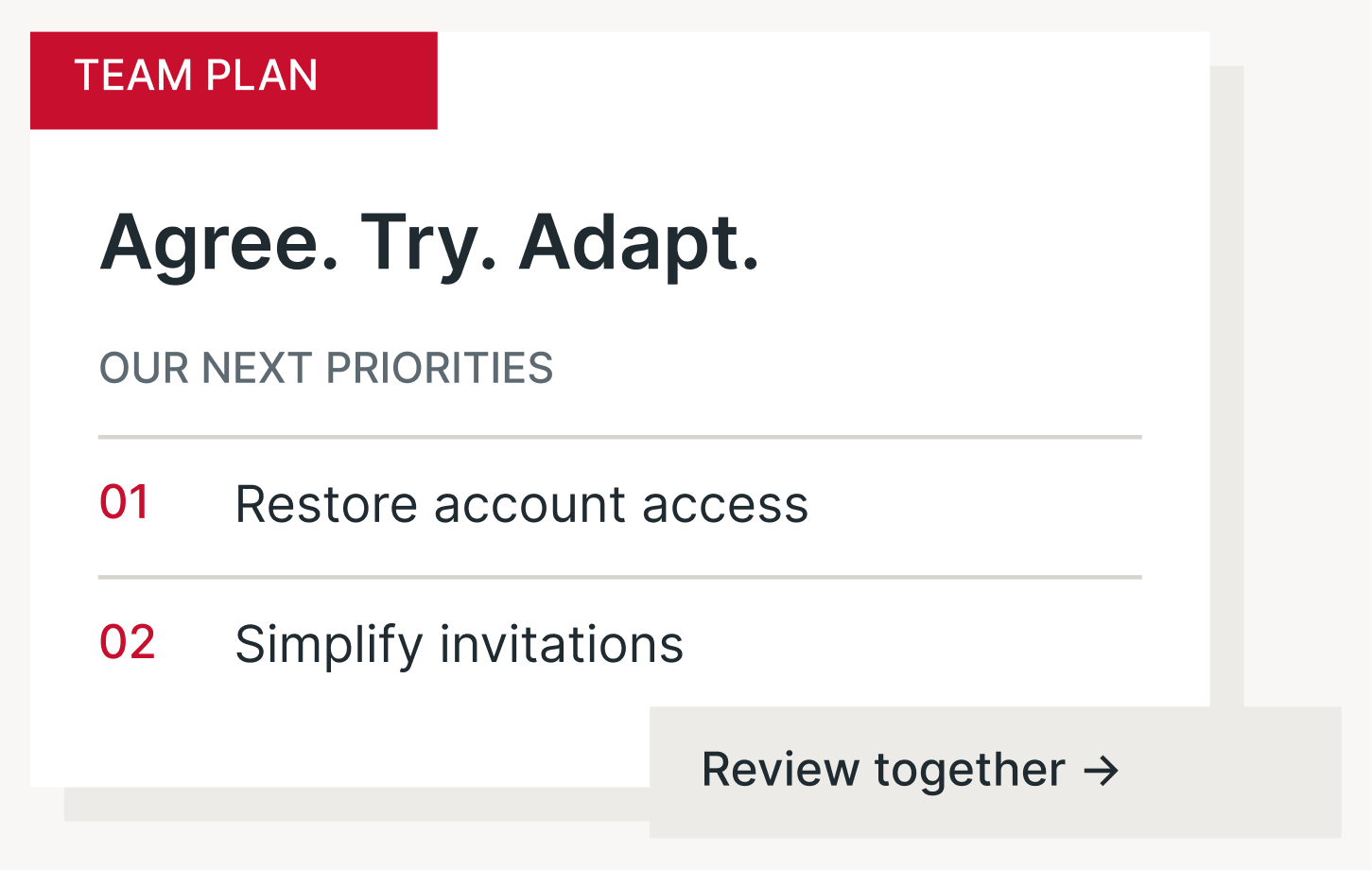
Use shared priorities and feedback to adapt the plan.
Scrum
Keep the Product Goal, ordered backlog and Sprint plan connected.

01 / Product Backlog
Keep the Product Goal and ordered backlog in view.
02 / Sprint
Bring the Sprint Goal and selected work into one plan.
03 / Inspect and adapt
Use events and Increments to inspect and adapt.
Kanban
Make your workflow, policies and work-in-progress limits visible.
01 / Workflow
Shape columns around the way your team works.
02 / Work in progress
Set WIP limits and keep blocked work visible.
03 / Flow report
Review flow measures using defined Start and End points.

Your team defines the workflow; new Kanban projects have no preset columns or work items.
Built for organizations
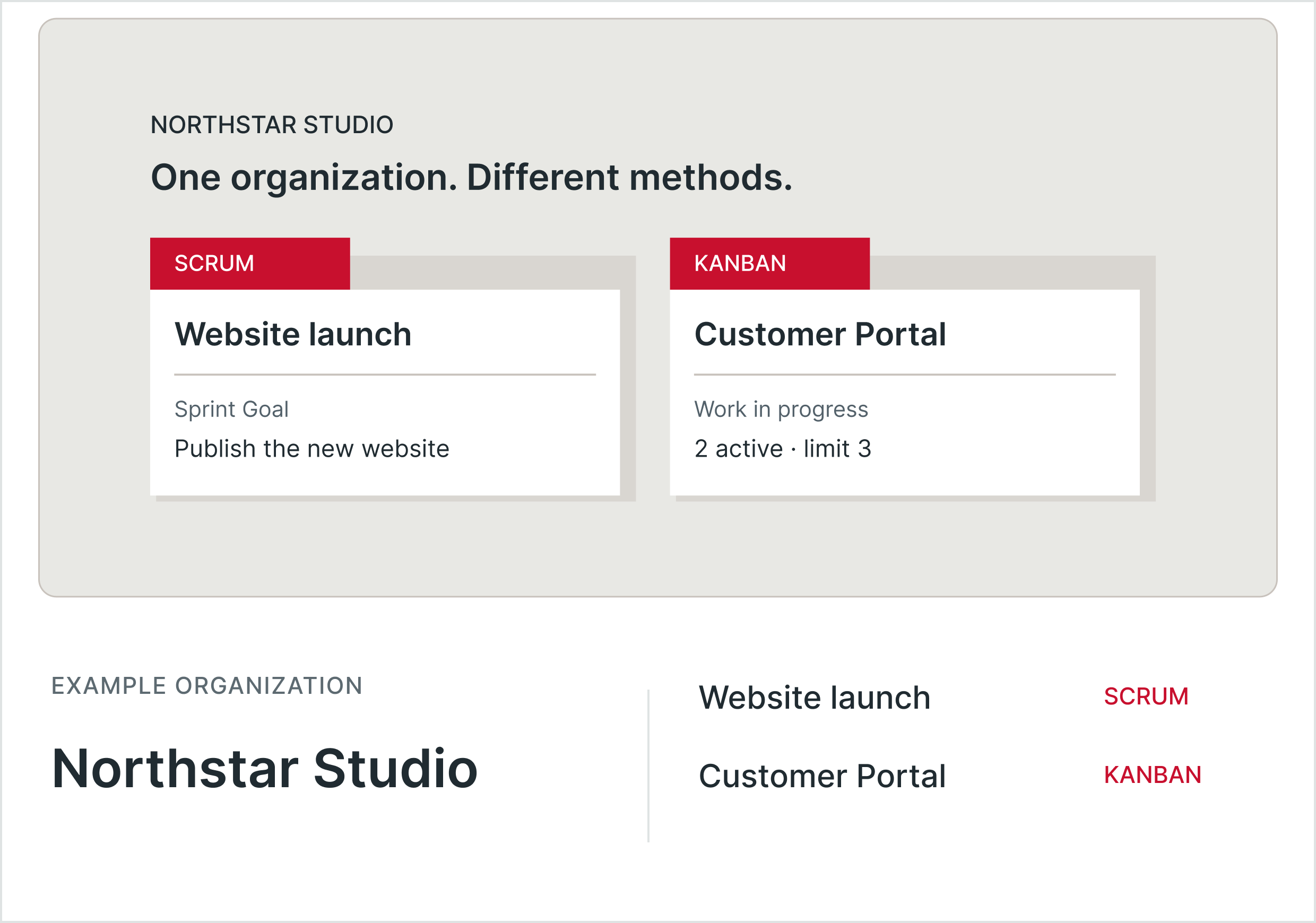
Bring Scrum and Kanban projects together while keeping project access separate.
01 / Choose
Select Scrum or Kanban when you create the project. Each has its own workspace and practices.
02 / Invite
Keep organization membership and access to private projects separate.
03 / Collaborate
Use one account across the organizations and projects you are authorized to access.
From principles to practice
Keep the Sprint Goal beside selected work so the team can inspect progress toward a shared outcome.
Keep the Definition of Done accessible when checking whether work forms part of a usable Increment.
Show work against the agreed limit, including waiting and blocked items, before pulling more.
Use recorded work events to review throughput, cycle time and work-item age.
Practical questions
Wipkin supports up to 10 people per Scrum Team. This is a Wipkin product limit.
Team will cost $14 per person per month with a 14-day trial. Organization has custom pricing. Self-hosted is planned. See Pricing for the options and current details.
Yes. Keep a separate copy of important work and do not use beta as your only record. Read the Beta page for details.
Bring your goals, work and working agreements together in Wipkin.